What we built
The system extracts items and specifications, searches internal catalogs and supplier price lists, uses optional web search, calculates the offer and produces Excel and PDF documents. Every line retains its source and matching status.
One workspace for the complete task
Managers previously had to read the tender, search past purchases and price lists, open supplier sites, copy prices and format the offer. We brought these tasks into a React and FastAPI web interface.
Sources have explicit roles. Supplier data can inform purchasing prices; competitor data supports market comparison. Price rules, dates and permitted use stay attached to the source. Uploaded price lists join the search after indexing.
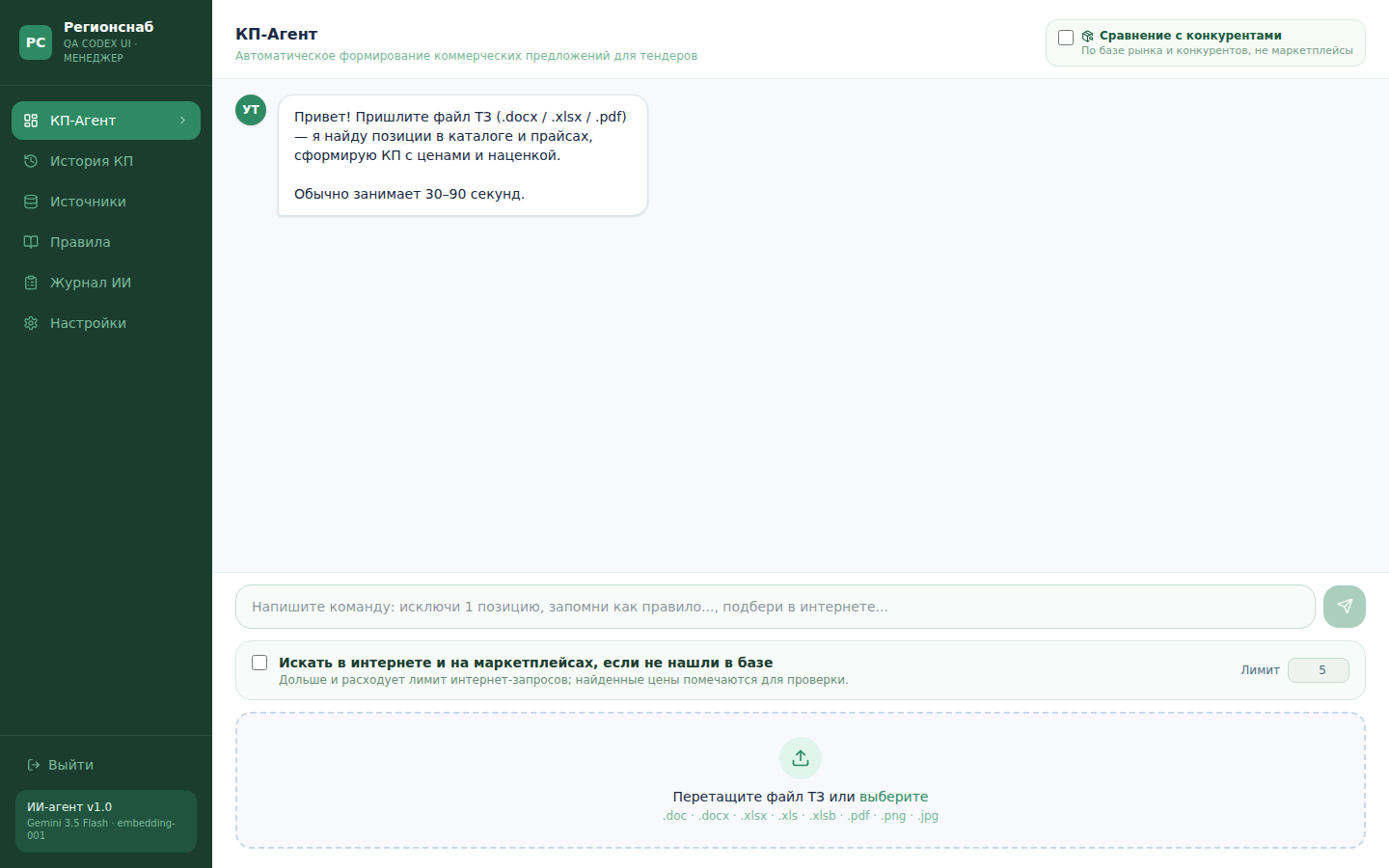
Proposal workspace shown with a test account: document upload, history, sources and optional web search.
Open full-size image ↗How matching works
- 01Extract line items, quantities, units and required specifications.
- 02Check exact matches and retrieve candidates from internal data using semantic search.
- 03Verify the model, size, power and bundle composition. Keep similar items pending review.
- 04Use permitted external search with a request limit where internal results are insufficient.
- 05Apply calculation rules and show the source of every line before export.
Tender → items and specifications
  → catalog / price lists / purchase history
  → candidates → specification checks
  → optional web search
  → calculation → manager → Excel / PDF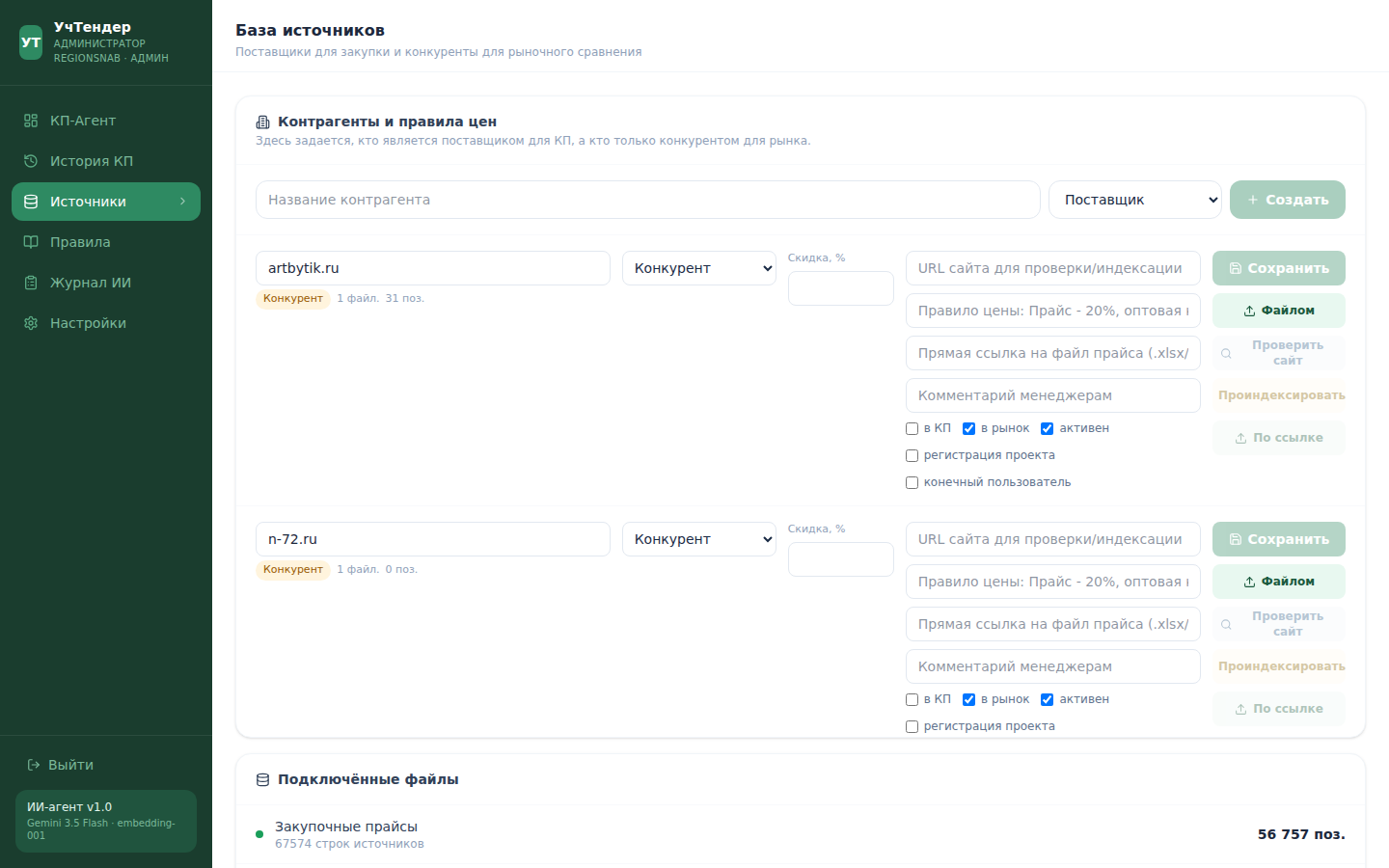
Actual source-registry screen in the original Russian interface. Procurement suppliers and market-comparison competitors have separate roles.
Open full-size image ↗Where simple search failed
A misspelled product request could become a conversational answer instead of a search. Fuzzy matching for a JBL speaker returned unrelated products with similar letters. We added typo handling, meaningful-word checks and model validation.
Some apparently broken PDFs were only cover letters. The correct next step was to request the specification. External listings also need review: an accessory or toy should not become an exact match for the main product.
Editing through chat
A manager can ask for an alternative, replace a line, adjust a markup or recalculate the proposal. Commands act on the current document, and bulk changes require confirmation.
The system retains proposal and action history so staff can see what the agent suggested, what a manager accepted and which lines remain unresolved.
The manager's result
The manager starts from a prepared draft with candidates, sources, calculations and documents together. They review alternatives, bundle composition, external prices and the final export.
Processing time depends on the document and search options. The case describes the implemented workflow without claiming uniform accuracy for every tender.